I spent a good amount of time yesterday working on getting my website up and running with the blog, etc. I had to think of a name and I also had to do the stuff that would be fun had I already bought Photoshop! But alas, no Photoshop, so I did my splicing, transforming and editing online.
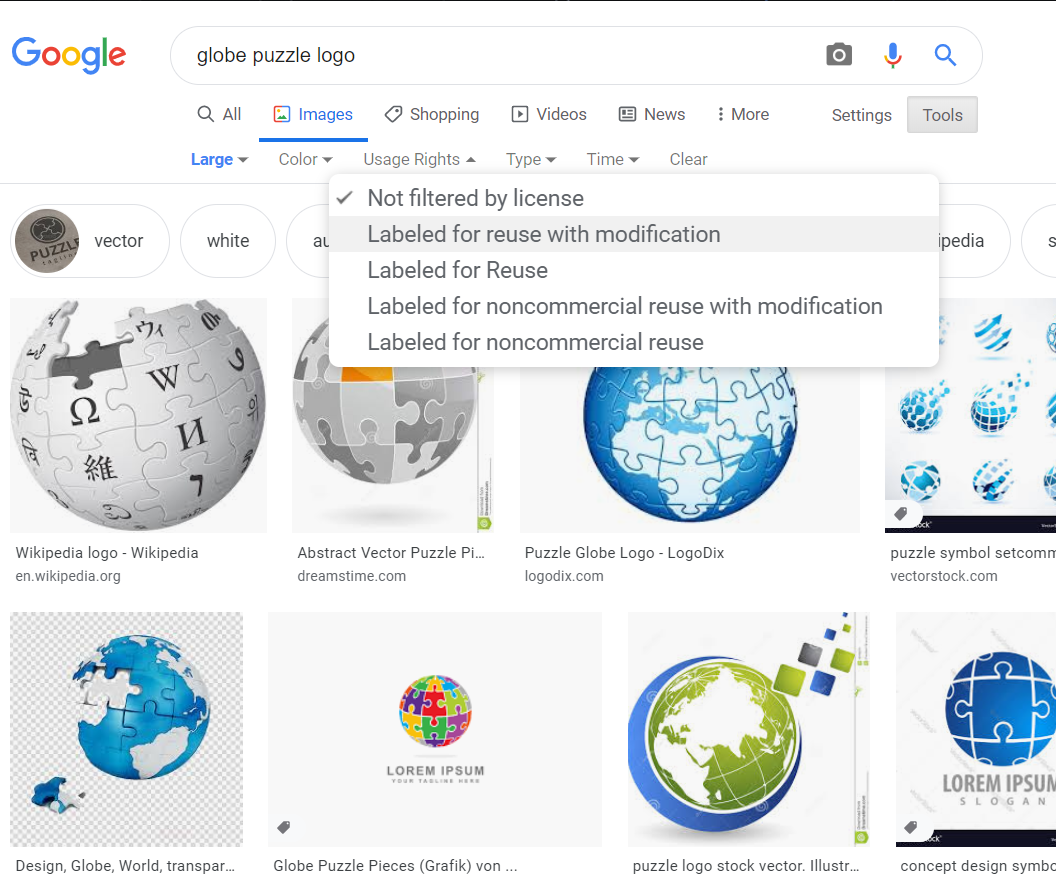
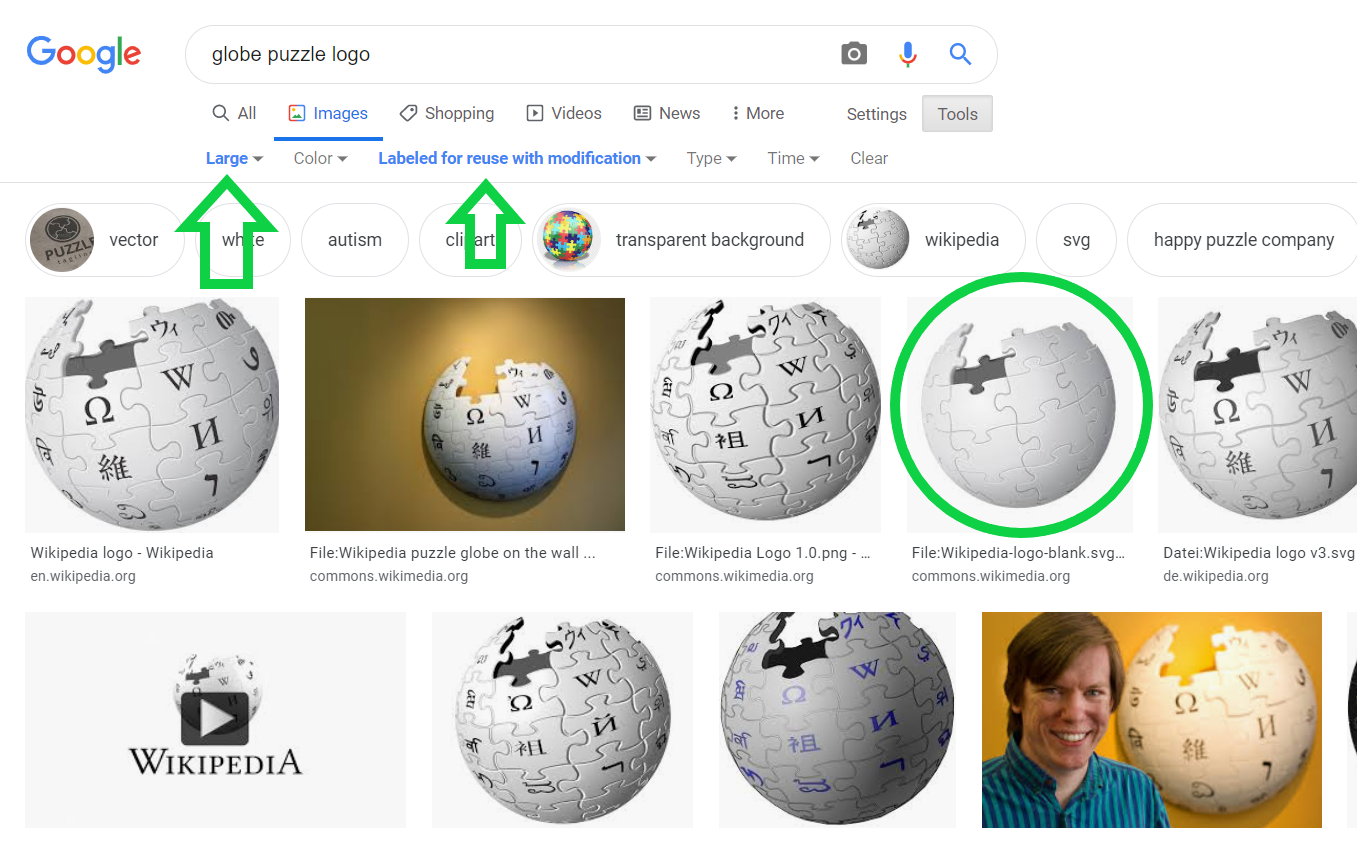
For the logo – I went with the puzzle globe, which I searched for in Google and refined my search to include only photos that had an open licence to use and transform for getting my website up. I then wanted to add my color – which I’ve been using on my business cards, invoices and really anything to do with my business. It seems like an easy task, but you have to consider that websites and Word or PowerPoint don’t “speak” the same language in terms of how they recognize color. So, thankfully I could get the CMYB colors converted to RGB and HEX – and vice versa.
Now I needed to get the effect that I wanted. So I played around a bit and found that the negative of the globe with my color would be the best for what I wanted.

As you can see, the negative effect let my color be much richer, and it looks nicer in my opinion. I also made it larger and chopped it strategically. It doesn’t have to be exact. Your mind will fill in the blanks where necessary. I have to give a shout-out to lunapic.com here. I did all the color changes online for free on their website, thanks!
After that I had to do some tweaking because I didn’t want the globe to be so harsh and prominent. I used PowerPoint to put a soft-fade filter over the whole thing with a black background. This way it looks like the globe is emerging from the black. I liked it immediately.
Then I chose my fonts by what seemed appealing to me and by what looked professional. I personally like handwriting fonts, but I don’t think that would work for this. White really pops as a color in this case so that was a no-brainer.
Then I gathered the various blurbs about me that I have on several different websites and social media platforms. Consistency is not a bad thing here, so I used it. I also try to have the same picture of myself in all my profiles, so there’s no question or confusion. The one I’m using is quite literally a selfie taken at my home office desk (with my squiggly lamp in the background). And there you have it! A website and blog are born!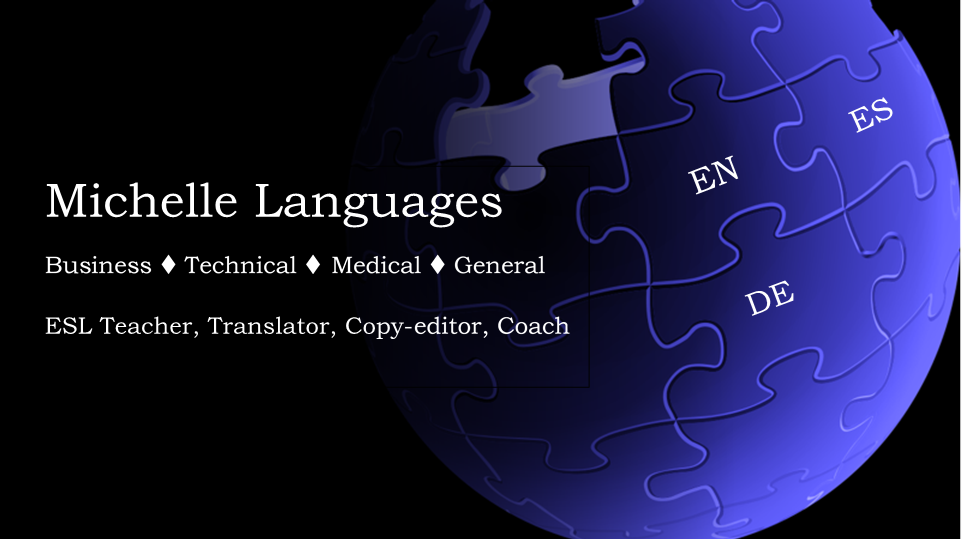 In case you haven’t noticed, this post really doesn’t have anything to do with teaching English. Right! I teach languages, but that’s not all working as a freelance teacher is. I am a business, so I have to make it work. I currently have a bit more time to do this, so carpe diem!